// CSP · Assetto Corsa
PROJECTD HUD
In-game overlays for ProjectD sessions. They read your live track and car from the server — no browser, no alt-tab — so rank, battles, and ladder rivals stay on the windshield.
Profile
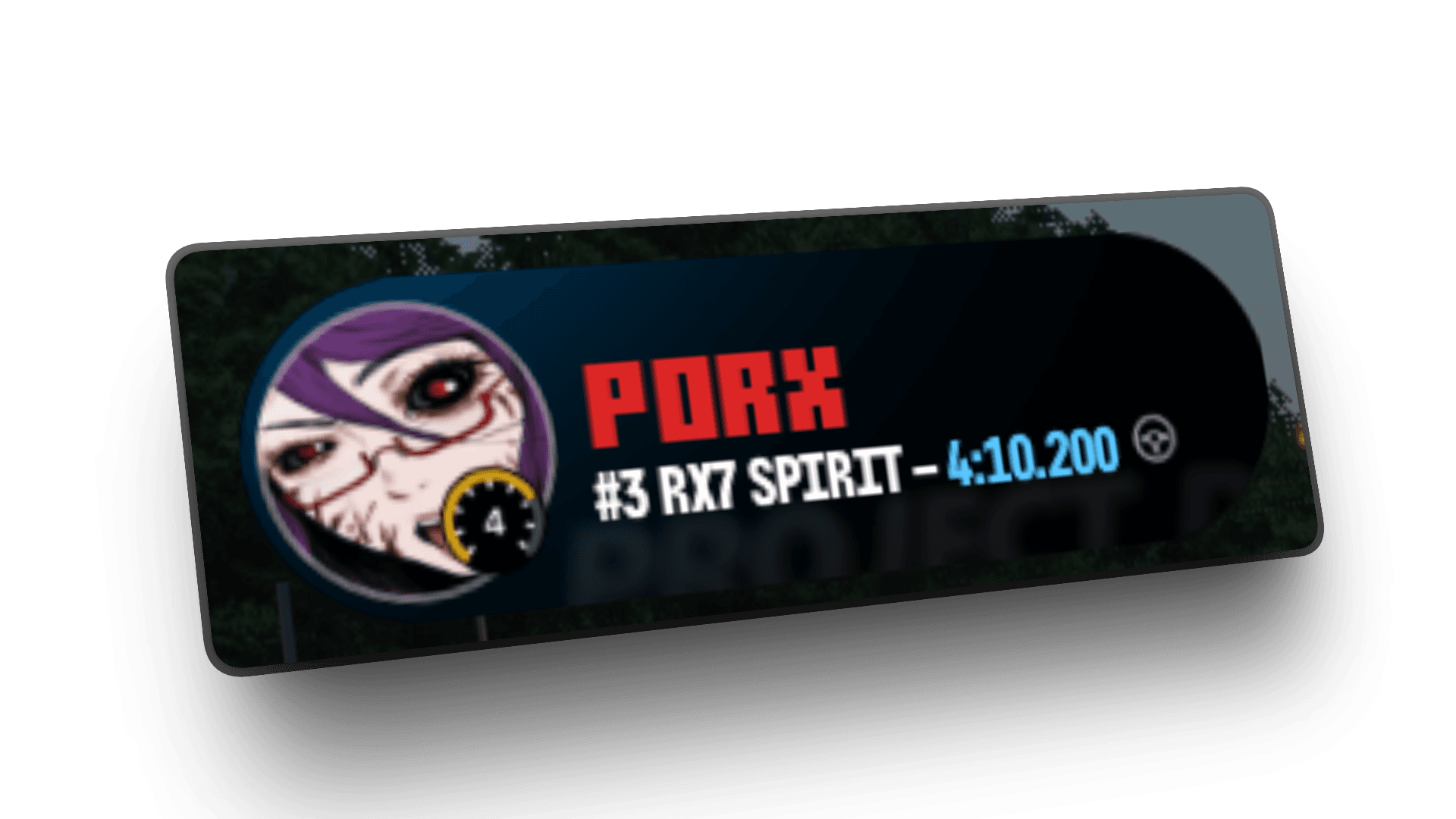
Rank and PB for the current track, layout, and car.
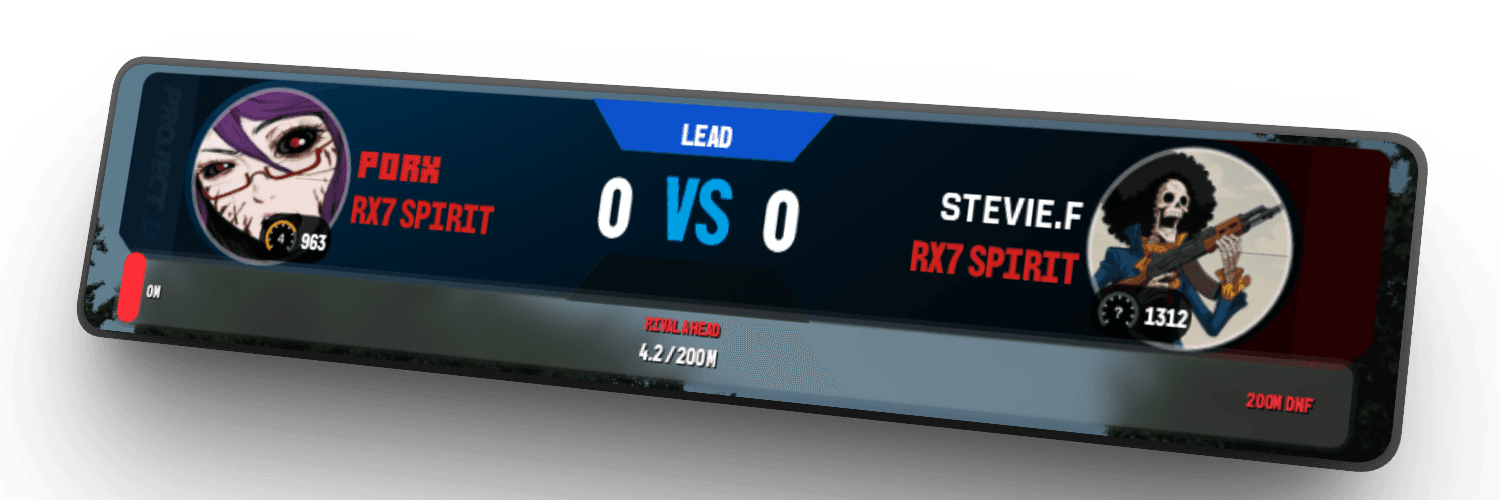
Battle
Your ELO, rival ELO, score, and gap during 1v1.
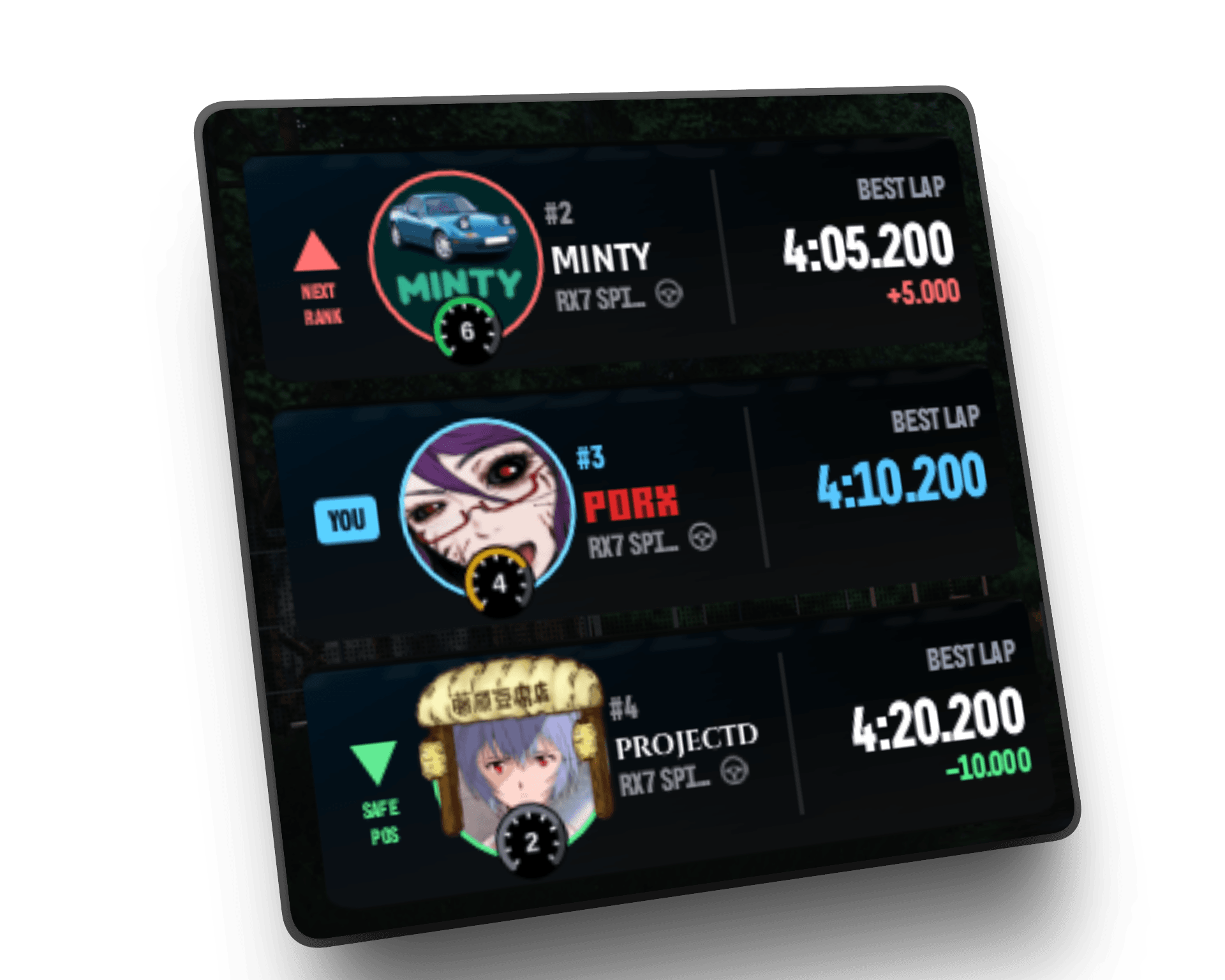
Competition
Ladder: rival above, you, rival below — same combo.
Widgets
Three overlays, one session
Swipe or use the arrows — Profile, Battle, and Competition sit side by side.
Session identity
Profile
Rank, car, and best lap for the map and layout you are driving — updated from your live session.
Install
- 1. Download the HUD ZIP from this page.
- 2. Extract into CSP Lua apps (Content Manager → CSP → Lua apps).
- 3. Enable Profile, Battle, and Competition, then join a ProjectD server.
Support
Frequently asked questions
Install, session data, and what each widget covers.
What do I need to run ProjectD HUD?
Assetto Corsa with Custom Shaders Patch (CSP) and Content Manager. The HUD is a Lua app pack — install the ZIP, enable the three windows, then join a ProjectD server.
Where do I install the ZIP?
Content Manager → Settings → Custom Shaders Patch → Lua apps (or your CSP apps folder). Extract so the ProjectD HUD app folders sit next to other Lua apps, then enable Profile, Battle, and Competition in CSP.
Why is my HUD empty or not updating?
You must be connected to a ProjectD server with a linked Steam account. Data follows your live session (track, layout, car). Public practice and official servers both feed the widgets when the worker is online.
What does each widget show?
Profile: Rank and PB for the current track, layout, and car. Battle: Your ELO, rival ELO, score, and gap during 1v1. Competition: Ladder: rival above, you, rival below — same combo.
Is the Launcher still required?
No. Only the HUD ZIP is distributed here. Content and server sync that used to live in the launcher are no longer part of this product page.
Where can I get help if install fails?
Ask in the ProjectD Discord — link is on this page. Include your CSP version and a screenshot of the Lua apps list if something does not appear.