Exclusive events
Join member-only competitions and community drops before everyone else.
ProjectD Midnight
$5.99/ mo
Full username styling in the HUD, animated GIF banner, early access, and monthly badges — while supporting ProjectD.
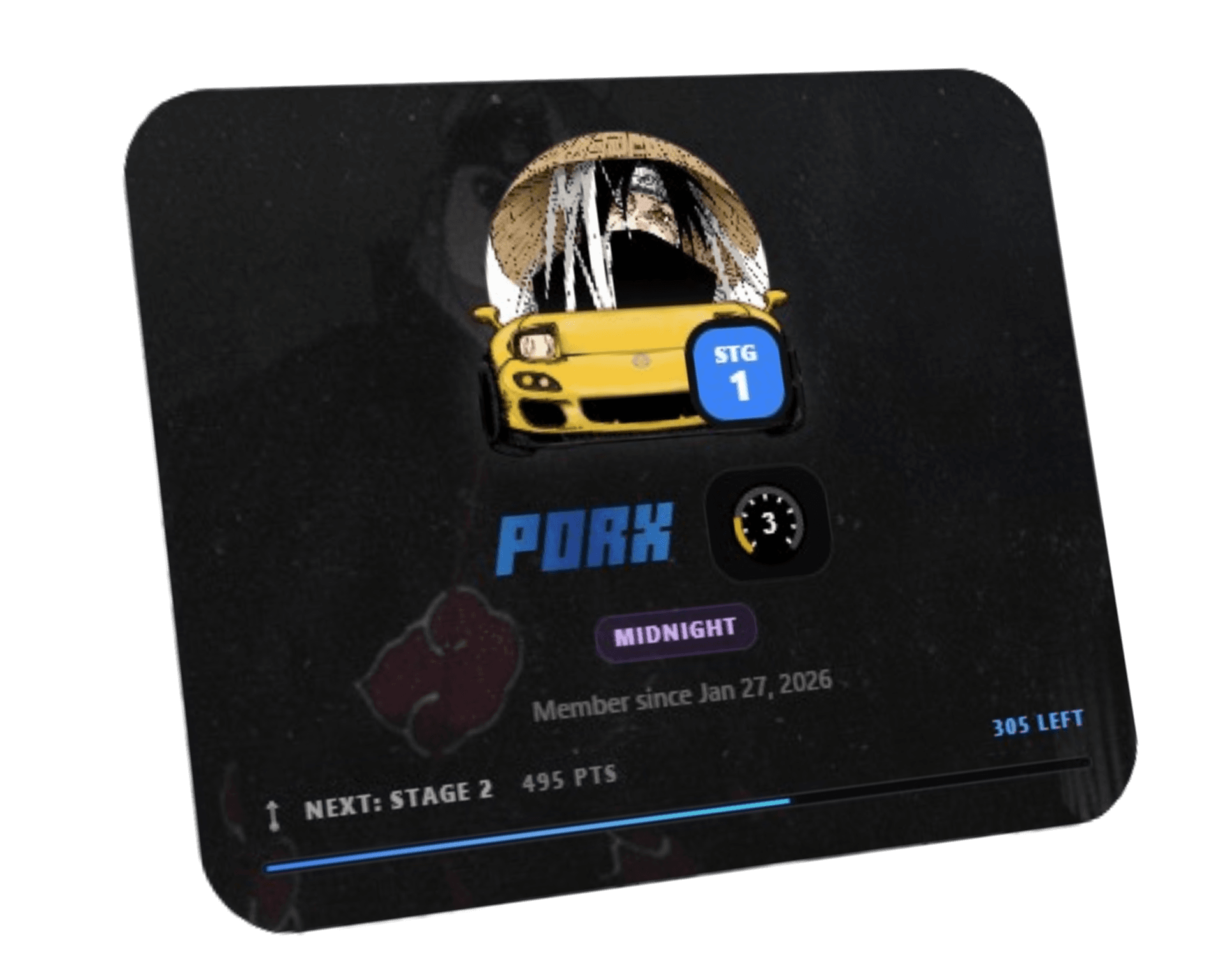
Badge · Custom name · GIF banner
Street and Midnight unlock monthly badges and custom username styles on your profile. Midnight adds Full fonts and effects plus an animated GIF banner.
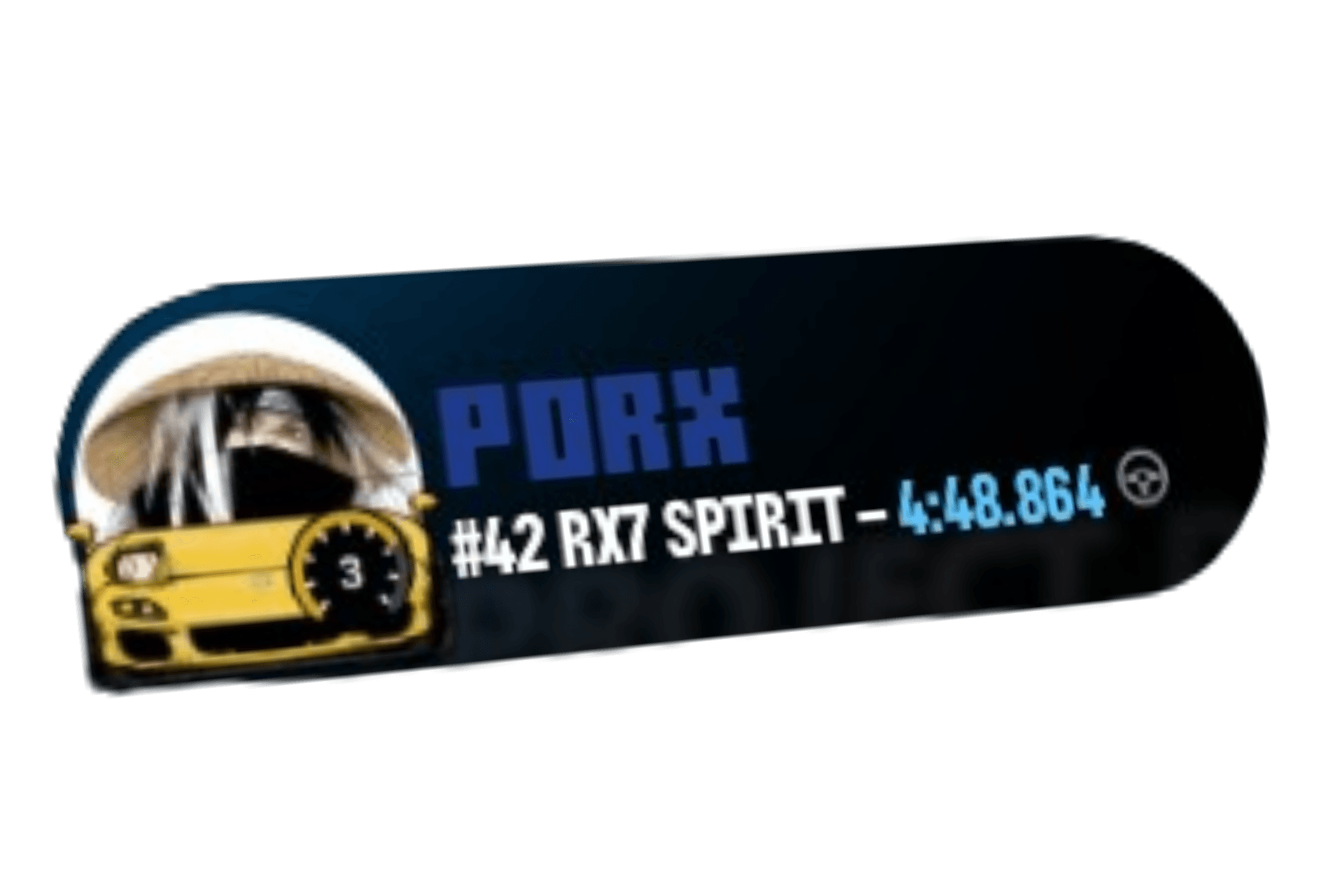
In-game · Leaderboard · Live
Your display name style follows you into the ProjectD HUD — Basic on Street, Full fonts and effects on Midnight.
Join member-only competitions and community drops before everyone else.
Midnight gets first look at new ProjectD features as they roll out.
Street ($2.99/mo) covers badges, basic username (web + HUD), and events. Midnight ($5.99/mo) adds full styling in the HUD, GIF banner, and early access.
| Feature | Free $0 | Street $2.99/mo | Midnight $5.99/mo |
|---|---|---|---|
| 1 Exclusive monthly badge | Yes | Yes | |
| Custom username | Basic | Full | |
| Username styles in HUD | Basic | Full | |
| Animated GIF banner | Yes | ||
| Access to exclusive events | Yes | Yes | |
| Early access to new features | Yes | ||
| Support ProjectD development | Yes | Yes |
Everything you need to know about Free, Street, and Midnight.
No. Free includes full access to Time Attack, Battle, community servers, official servers, cars, tracks, progression, and leaderboards. Street and Midnight add profile perks and supporter benefits.
Street ($2.99/mo) gives you 1 exclusive monthly badge, Basic custom username styling (web + HUD), access to exclusive events, and helps support development. Midnight ($5.99/mo) includes everything in Street plus Full username styling (all fonts and effects) in the HUD, an animated GIF profile banner, and early access to new features.
Basic (Street) lets you save a custom display name with solid color, four core fonts, and regular/bold/black weights — on the site and in the ProjectD HUD. Full (Midnight) unlocks every font, premium effects like Fade and Chrome, italic, letter spacing, and gradients, also shown in-game.
Yes. Street and Midnight display-name styles sync to the ProjectD HUD in-game. Free players keep the default look. If you cancel or downgrade, styles are cleared or reduced to match your new plan.
Animated GIF banners are Midnight-only. Free and Street can upload static images (JPEG, PNG, WebP, SVG). If you leave Midnight, an existing GIF banner is removed.
Street and Midnight subscribers can claim one exclusive badge each calendar month from their dashboard. Badges are cosmetic profile frames — claim yours before the month ends.
Some competitions and events on ProjectD are reserved for paid subscribers (Street and Midnight). Free players can still join the rest of the platform normally.
Yes. Choose Upgrade to Midnight and Stripe will open a secure confirmation page showing the prorated amount before you approve the change. Midnight activates only after Stripe confirms the subscription update.
Yes. Subscriptions are monthly with no long-term commitment. Cancel from Profile → Subscription → Manage subscription. You keep access until the end of your billing period.
Sign in, go to your Profile, and open the Subscription section. From there you can upgrade, open Manage subscription (Stripe Customer Portal) for invoices and cancellation, or switch plans from the pricing page.